
Templates
Marketing Campaign Tracking
The Marketing Campaign Tracking Template is your all-in-one tool to monitor campaign performance, optimize costs, and improve ROI, ensuring your marketing strategies are impactful and efficient.
Use TemplateCategories
What is a Marketing Campaign Tracking Template?
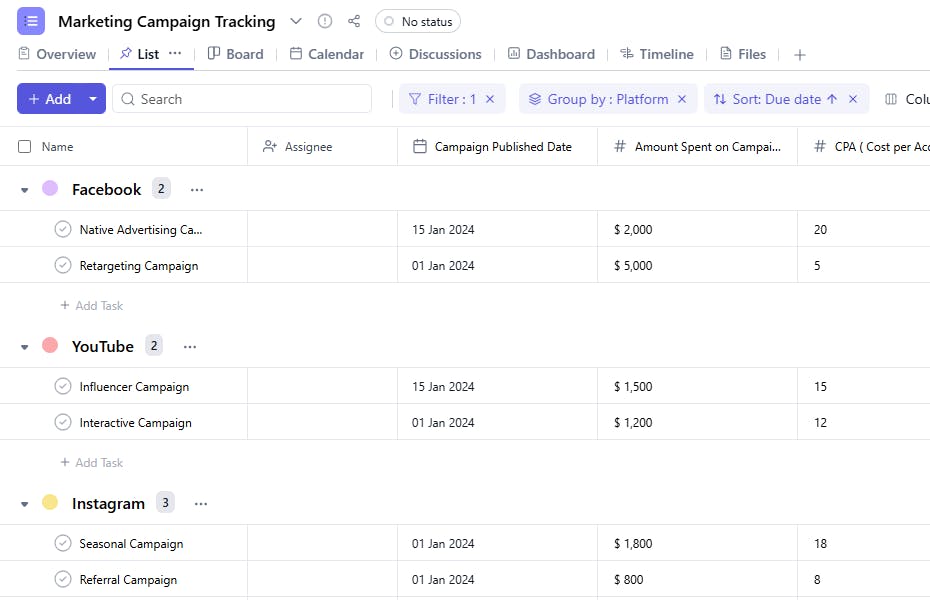
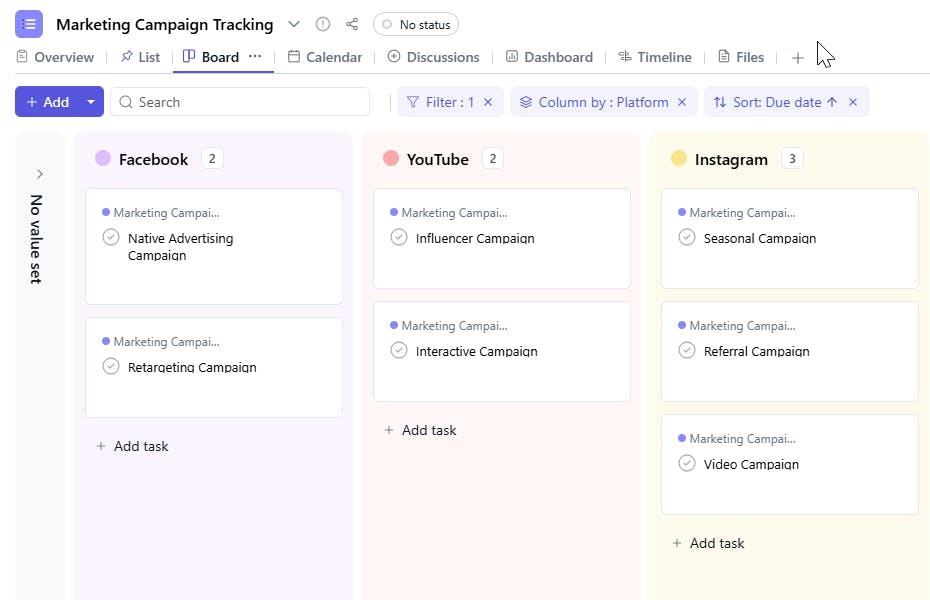
A Marketing Campaign Tracking Template helps you efficiently organize and analyze your marketing campaigns. From task names and goals to performance metrics like CPM, CPC, and CPA, this template ensures you have a comprehensive overview of your campaign's impact and ROI.
Here’s a closer look at its key features:
Marketing Campaign Tracking Template: Key Features
- Comprehensive Campaign Details: Capture key information like campaign name, objectives, target audience, and budget, ensuring all aspects are accounted for.
- Centralized Task Management: Organize tasks from content creation to distribution, ensuring deadlines are met and priorities are clear.
- Collaborative Team Assignments: Assign roles, track progress, and collaborate in real-time to ensure smooth execution.
- Automated Reminders: Built-in notifications for key tasks, deadlines, and milestones help prevent overlooked actions and missed opportunities.
How to Use the Marketing Campaign Tracking Template
Here’s a step-by-step guide to using SmartTask’s Marketing Campaign Tracking Template for your next campaign:
- Choose and Customize: Select the Marketing Campaign Tracking Template from your project management tool, and customize fields such as campaign type, target audience, and goals.
- Enter Campaign Details: Add key information like campaign name, start and end dates, objectives, and budget to align your team on the goals.
- Assign Tasks: Delegate specific tasks—such as content creation, ad design, social media scheduling, and email marketing—to team members. Track their progress in real-time.
- Set Timelines and Deadlines: Plan out campaign milestones and deadlines using visual timelines to avoid delays and ensure timely execution.
- Monitor and Update: Track the campaign’s performance using real-time data, making adjustments to optimize engagement, ROI, and overall success.
Custom Fields for Enhanced Organization
SmartTask’s Marketing Campaign Tracking Template includes several custom fields to track campaign details and performance:
- Goal: The campaign's primary objective
- Campaign Published Date: The date when the campaign is published.
- Campaign Published Platform: Facebook, Instagram, LinkedIn
- CPM (Cost per Mille): The cost of 1,000 impressions.
- CPC (Cost per Click): The cost of each click generated by the campaign.
- CPA (Cost per Acquisition): The cost of acquiring a customer or lead through the campaign.
- Amount Spent on Campaign: The total expenditure for the campaign.
- Number of Conversion: Number of sign-ups through that post
Additional Customization Options
Here are a few ways to further customize the Marketing Campaign Tracking Template:
- Automated Budget Alerts: Set alerts for campaigns nearing budget limits to prevent overspending.
- Collaboration Tools: Use comments and file-sharing features to discuss campaign strategies with your team.
- Performance Dashboards: Generate performance dashboards to visualize key metrics and identify trends.
- Campaign Timeline Views: Use Gantt charts or timeline views to track campaign schedules.


